


Getting texts from Date Drop
We text you when you get a match, about your date plans, and to check in after a date. You can reply to our texts like you'd reply to a friend.
Linking your phone number
- Open your profile. On your phone, tap the Profile icon at the bottom of the screen. On a computer, click your initials or photo in the top right, then Profile.
- Scroll down to Phone number.
- Link your number one of these ways:
- On your phone: tap Text us. Your messages app opens with a text ready to go. Send it.
- On a computer: scan the code on screen with your phone's camera, then send the text that opens.
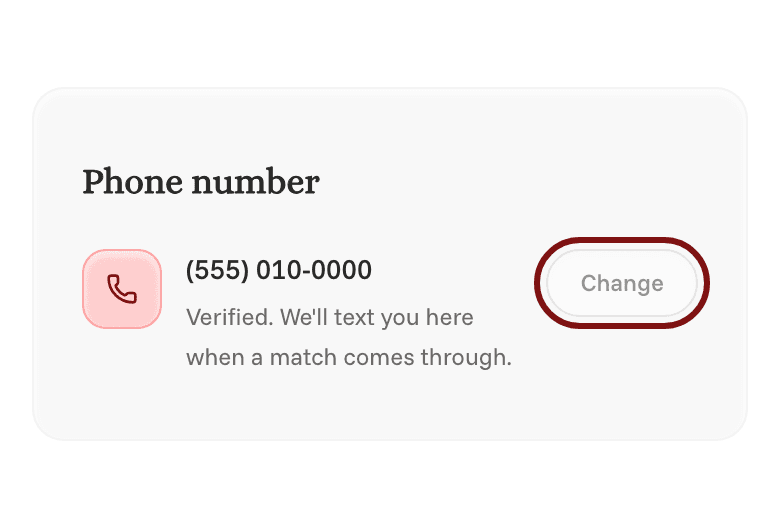
- Wait a few seconds. Once we get your text, the card will say your number is verified.
Rather get a code? Tap Text me a code instead, type your number, and tap Send code. Then type the 6-digit code we text you and tap Verify.
To use a different number later, tap Change.
Choosing which texts you get
Open Settings, then go to Notifications. Under Text, you can turn each kind of text on or off.
To stop all texts, reply STOP to any of our texts. To start them again, reply START.