


Signing in
You don't need a password for Date Drop. Most schools sign you in with a 6-digit code that we email to you. A few schools use your school's Google account instead.
Signing in with an email code
- Go to the Date Drop homepage, type your school email, and tap Get started. If you're already on your school's Date Drop page, tap Get matched instead.
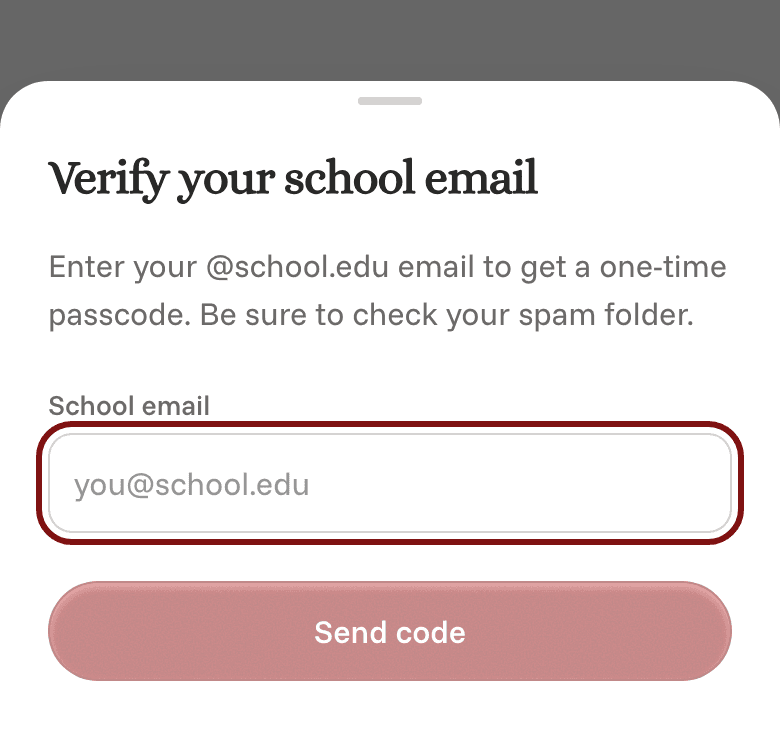
- A box called Verify your school email opens. Check that your email is right, then tap Send code.
- Open your school email and find the message from Date Drop. It has a 6-digit code.
- Type the code into Date Drop and tap Continue.
The code only works for 5 minutes. If it runs out, tap Resend code to get a new one. Typed the wrong email? Tap Use a different email.
Can't find the code? Check your spam or junk folder first. For more tips, see I didn't get my sign-in code.
Signing in with Google
At some schools, tapping Get matched takes you to a Google sign-in page instead. Choose your school account there, and you'll come straight back to Date Drop, signed in.