


Finishing onboarding
The first time you sign in, we'll walk you through setting up your account. If you need to stop partway through, your progress is automatically saved, and you can pick up where you left off the next time you sign in.
What you'll do
- Choose what you're looking for. Pick Date drop, Friend drop, or both.
- Answer some questions. These cover the basics about you, what you're looking for, and the things that matter to you. We use them to find your match.
- Add your close friends. This is optional. We won't match you with anyone on the list. See Close friends.
- Add a photo. You need at least one photo before we can match you. You can skip this step for now and add one later.
- Add your phone number. We'll text you when you get a match, as well as any reminders to help us improve your next match.
- Teach us your type. Tap through some faces so we learn who you're drawn to.
- Have a short conversation with us. We'll ask about your day-to-day, the people in your life, and what you're looking for. You can type your answers or talk them through out loud.
- Tell us about crushes, and people to avoid. Lastly, add anyone you'd like to be matched with, and anyone you don't want to be matched with. You can skip this.
Finishing the steps you skipped
After setup, your Home page shows Improve your next match, with a tile for each step you can still do. Each tile fills in as you finish it. Tap a tile to do that step.
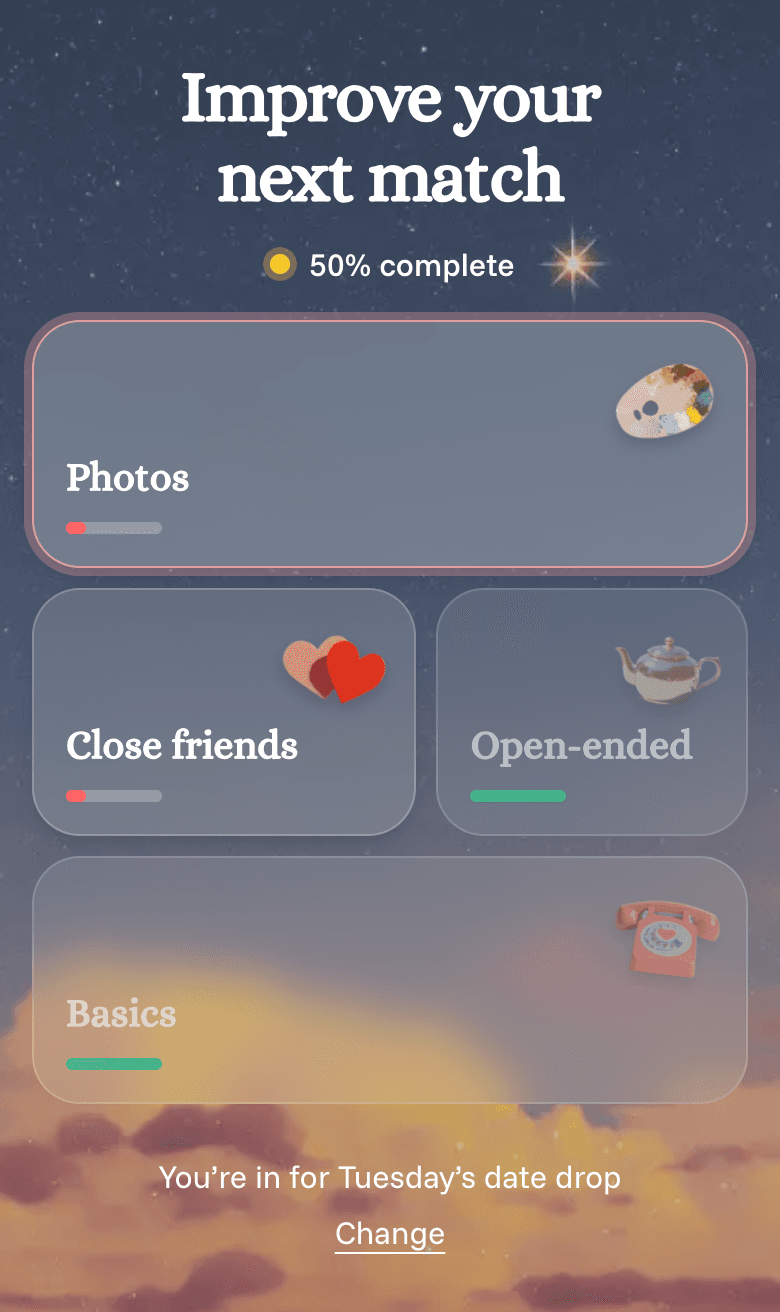
Once every step is done, Home shows a countdown to your next match. You don't have to do anything else!
Want to talk instead of type? Your browser will ask to use your microphone. If it's blocked, see Fixing microphone access.