


Close friends
Close friends is a short list of the people you're already closest to at your school. It's separate from quotes from friends: nobody writes anything, and the list isn't shown on your profile.
What the list does
- We won't match you with anyone on it, for a date or a friend match. The same goes if they put you on their list.
- Your match never sees it. It isn't part of your profile.
- Friends who aren't on Date Drop yet can get an invite from you. More on that below.
Adding close friends
- Open your profile. On your phone, tap the Profile icon at the bottom of the screen. On a computer, click your initials or photo in the top right, then Profile.
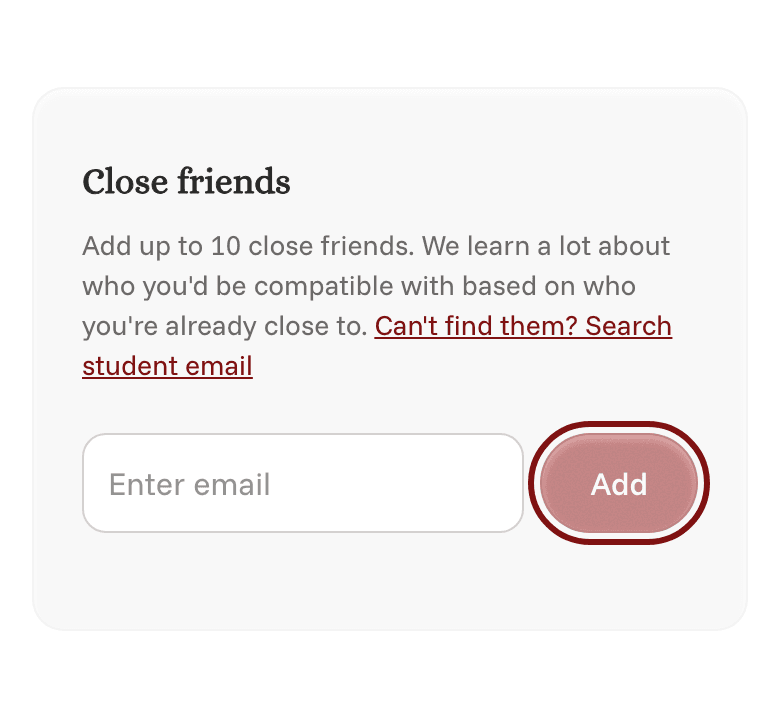
- Make sure the Edit tab is selected, then scroll down to Close friends.
- Search for a friend's name or type their school email, and tap Add. You can add up to 10 people from your school.
- Tap Save.
To take someone off your list, tap the x next to their name, then tap Save.
Inviting friends
When you add someone who isn't on Date Drop yet, an Invite them box next to their name is checked for you. When you tap Save, we email them an invite to join Date Drop from you.
Don't want to invite someone? Uncheck Invite them before you tap Save.
Friends who are already on Date Drop show Already on Date Drop, and we don't send them anything.