


Teach us your type
Teach us your type is a quick activity where you tap through faces and tell us which ones you like. It helps us find matches you'll actually be attracted to, not just ones who look good on paper.
The faces aren't real people, and we never use your photos for this.
Starting it
- Open your profile. On your phone, tap the Profile icon at the bottom of the screen. On a computer, click your initials or photo in the top right, then Profile.
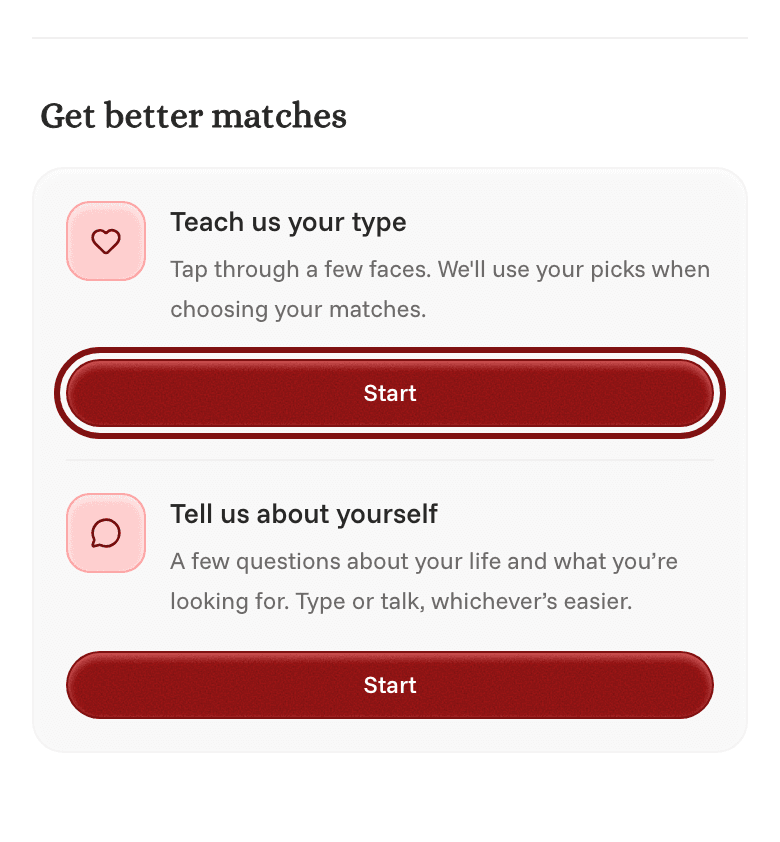
- Scroll down to Get better matches.
- Next to Teach us your type, tap Start.
- Go through the faces at your own pace.
Changing your picks later
Once you've finished, you'll find it under Matching questions in the Attraction section, called Your type. Tap Refine to keep going.
If you don't see Teach us your type, it isn't available for your school or your answers yet.