


Avoiding matches with people you know
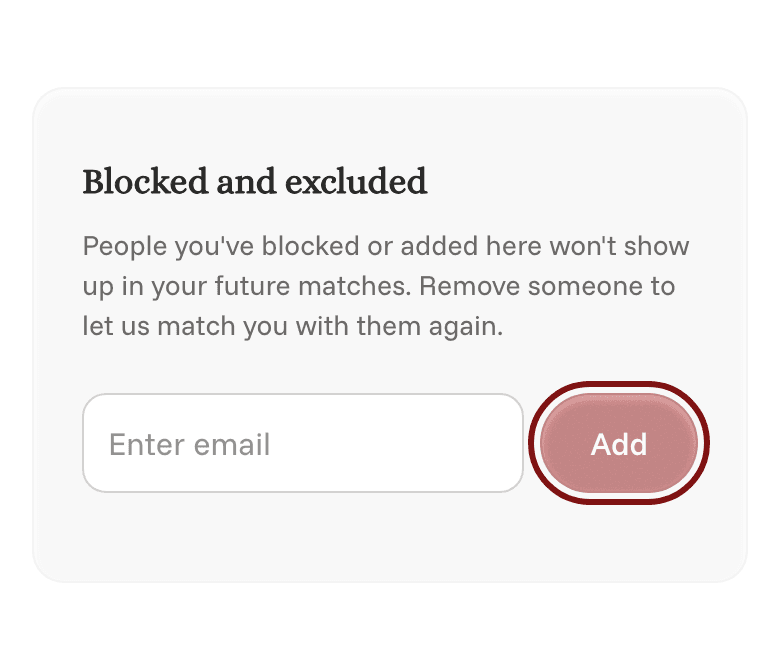
If there's someone you never want to be matched with, like an ex or a roommate, you can easily add them to your blocked list. We'll never match you with anyone on it.
Adding someone
- Open your profile. On your phone, tap the Profile icon at the bottom of the screen. On a computer, click your initials or photo in the top right, then Profile.
- Scroll down to Blocked and excluded.
- Search for their name, or type their school email.
- Tap Add.
Removing someone
Tap the × next to their name on the list. We'll be able to match you with them again.
You can also add people when you first set up your account, at the step that asks "Anyone you don't want to be matched with?". See Finishing onboarding.