


Deleting your account
Deleting your account removes your profile, matches, and messages. If you just want a break, you can skip drops instead.
Deleting your account
- Open Settings. On your phone, tap the Profile icon at the bottom of the screen, then the gear icon in the top right, then Settings. On a computer, click your initials or photo in the top right, then Settings.
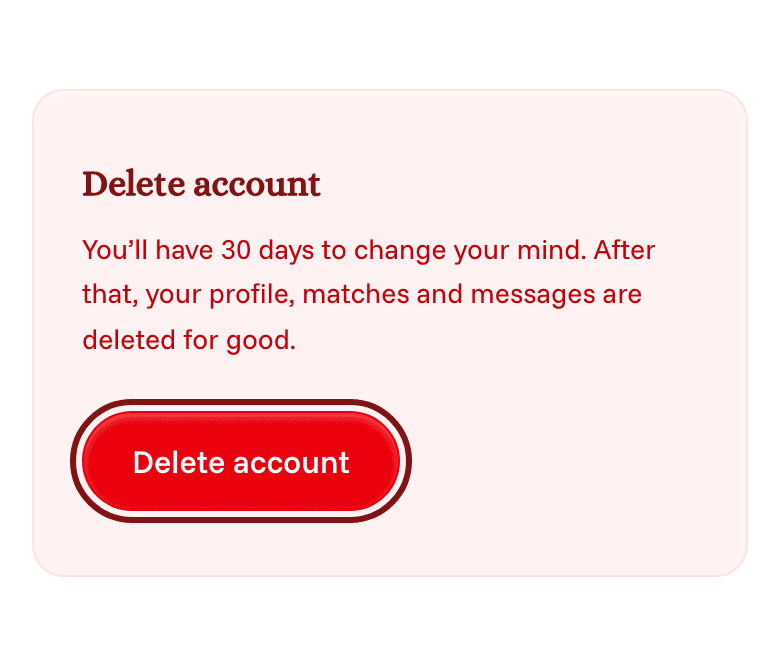
- Scroll to the bottom and tap Delete account.
- Optionally tell us why you're leaving.
- Type your email address to confirm, then tap Delete account.
Changing your mind
Matching and notifications stop right away. Your account is deleted for good after 30 days.
Until then, you can sign in and tap Restore account to get everything back.
If you can't sign in
Follow the steps on our account deletion page.