

Taking a break
Need some time off? You can skip drops for as long as you like. Your profile and answers stay saved, so you can come back whenever you're ready.
Skipping drops
-
Go to your Home page.
-
Under "You're in for…", tap Change.
-
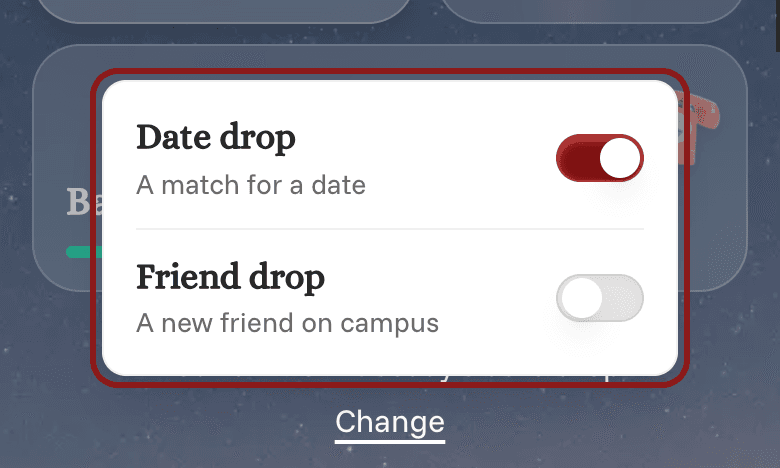
Turn off Date drop and Friend drop.
-
Tap anywhere outside the box to close it and save.
You won't be in any drops until you turn them back on. Make the change at least an hour before a drop, or you'll still be in that one.
Coming back
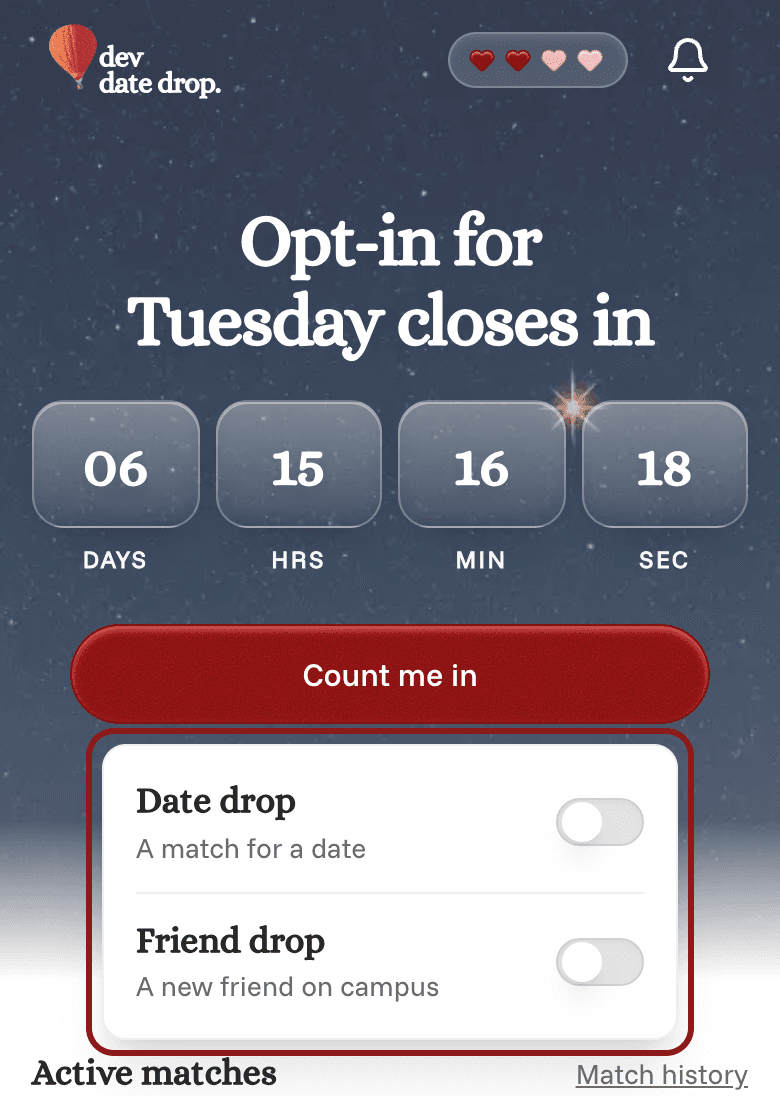
Go to your Home page and tap Count me in. You'll be in the next drop. See Joining or skipping a drop.
Want fewer emails while you're away? See Choosing which emails you get.
Want to leave for good instead? See Deleting your account.