


Your personality insights
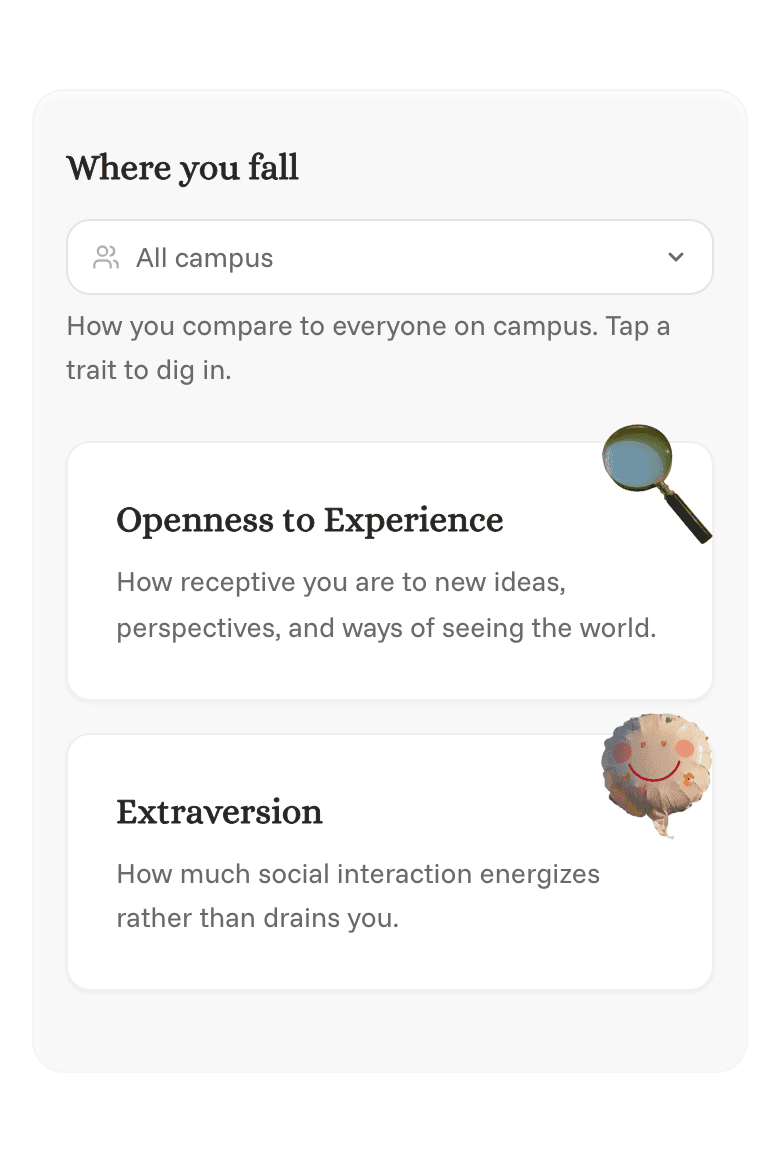
Insights show your personality traits, based on your answers. You can see where you fall compared to other students at your school.
Seeing your insights
- Open your profile. On your phone, tap the Profile icon at the bottom of the screen. On a computer, click your initials or photo in the top right, then Profile.
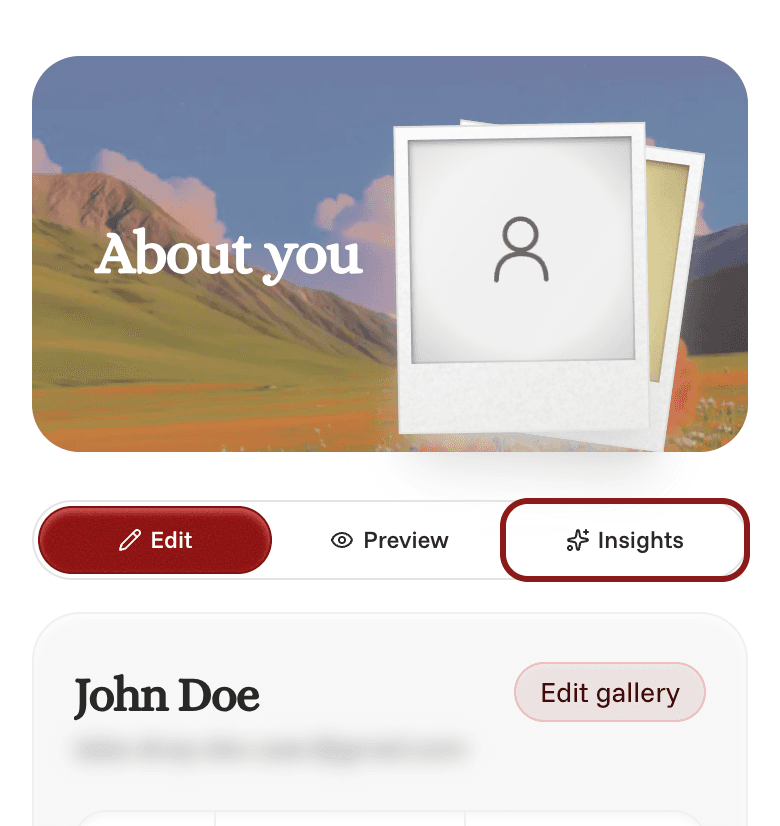
- Tap the Insights tab, next to Edit and Preview.
Tap any trait to learn more about it.
Unlocking more traits
You can see some of your traits right away. To unlock the rest, invite friends to Date Drop. Your insights will show how many more friends need to join and finish signing up.
Comparisons with your campus show up once enough students at your school have joined.