

Playing Cupid
Playing Cupid lets you set up two people you think would be great together! Your name stays anonymous, so they'll never know it was you.
How to play
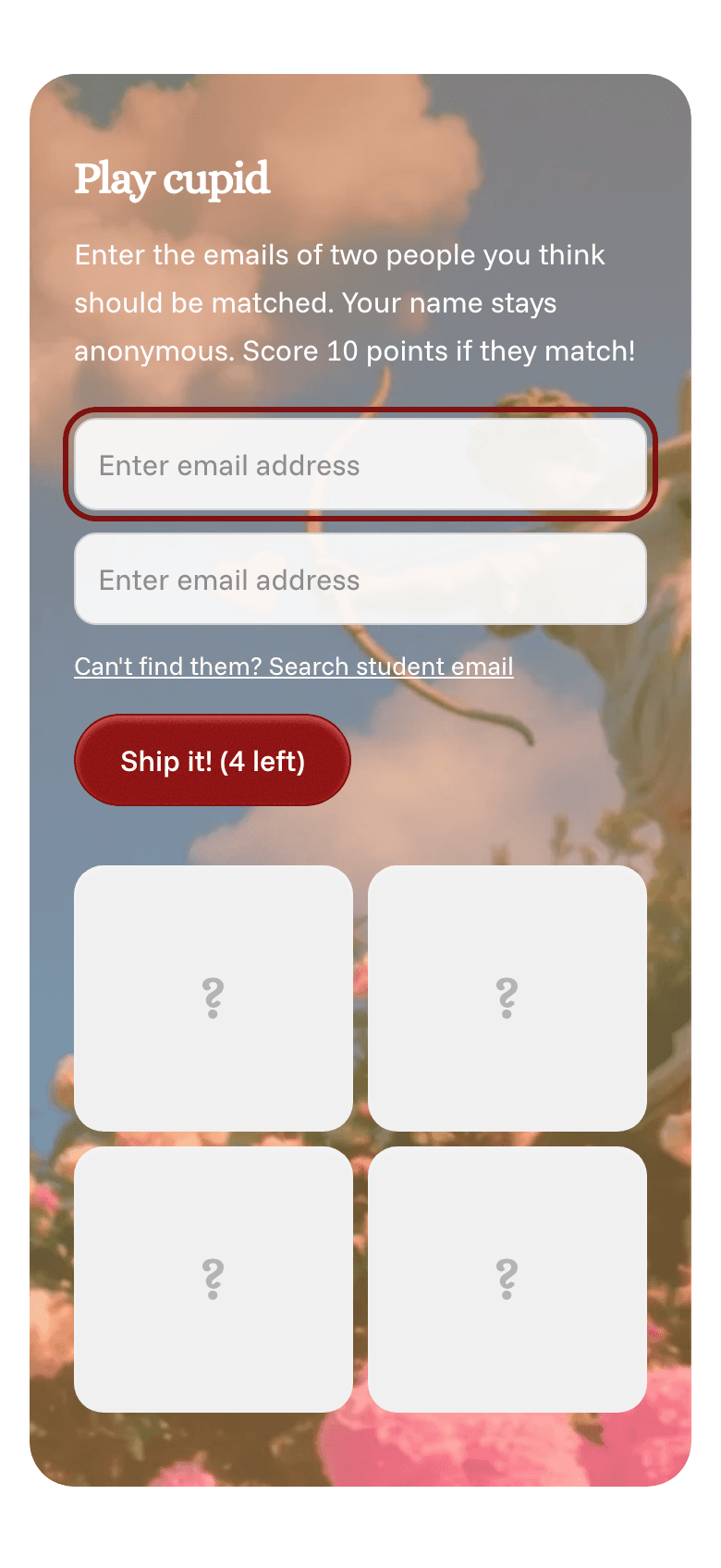
- Go to your Home page and tap Play cupid. On a computer, you can also click Cupid at the top of the page.
- Type the school emails of two people you'd like to see matched. If you don't know their emails, tap Can't find them? Search student email.
- Tap Ship it!. You can send up to 4 pairs.
What happens next
- Your pick gives them a better chance of matching in the next drop.
- They each get an anonymous email saying someone thinks they'd be a good match.
- If they match, you score 10 points.
The Cupid leaderboard
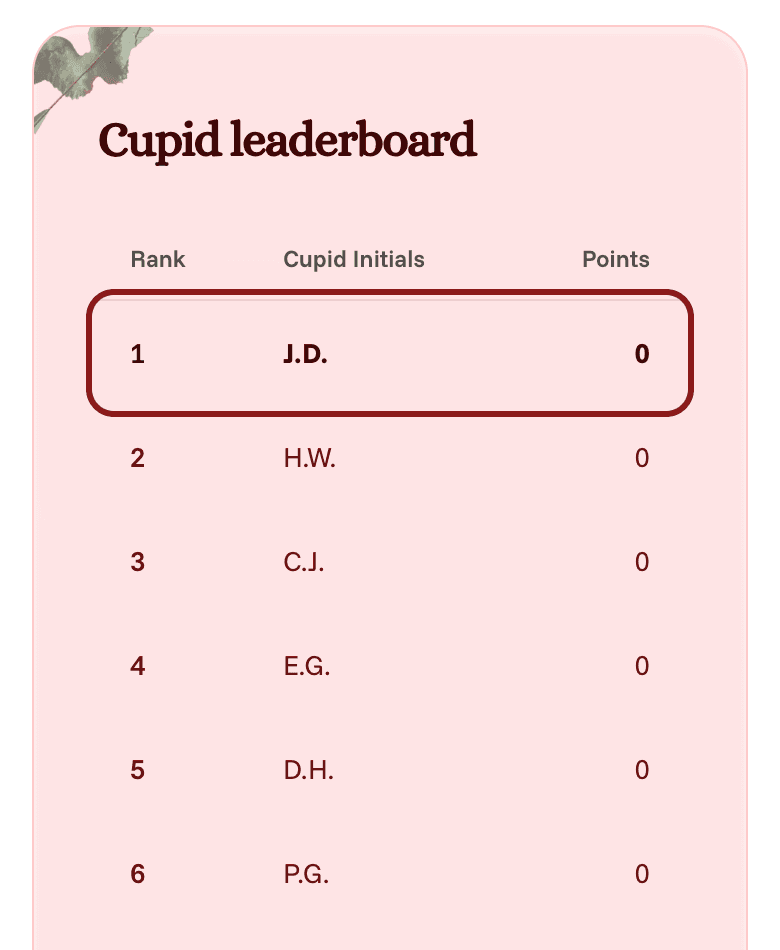
Below the form is the Cupid leaderboard: the top 10 cupids at your school, shown by their initials only, with their points. Your own row is in bold, so you can see where you rank.